hPanel Explained: Hostinger’s Control Panel for People Who Know cPanel
If you have run a site anywhere in the last fifteen years you have probably used cPanel. It is the default across most of the shared hosting market, which is why hosts that replace it need a reason.
Hostinger's stated reason is cost: an in-house panel means no licence fees. cPanel has charged per account since 2019, and that cost lands directly on the price of a budget plan. Hostinger has since stopped selling cPanel shared hosting.
What that means for you
Two things, pulling in opposite directions.
hPanel is easier to learn cold. It is less dense, the labelling is plainer, and it does not assume you already know what a term means before showing it to you. Someone who has never touched hosting will get further, faster.
hPanel is harder if you already know cPanel. Every tutorial written for cPanel — and that is most hosting tutorials on the internet — describes a screen you are not looking at. The concepts transfer; the instructions do not.
Where the common tasks live
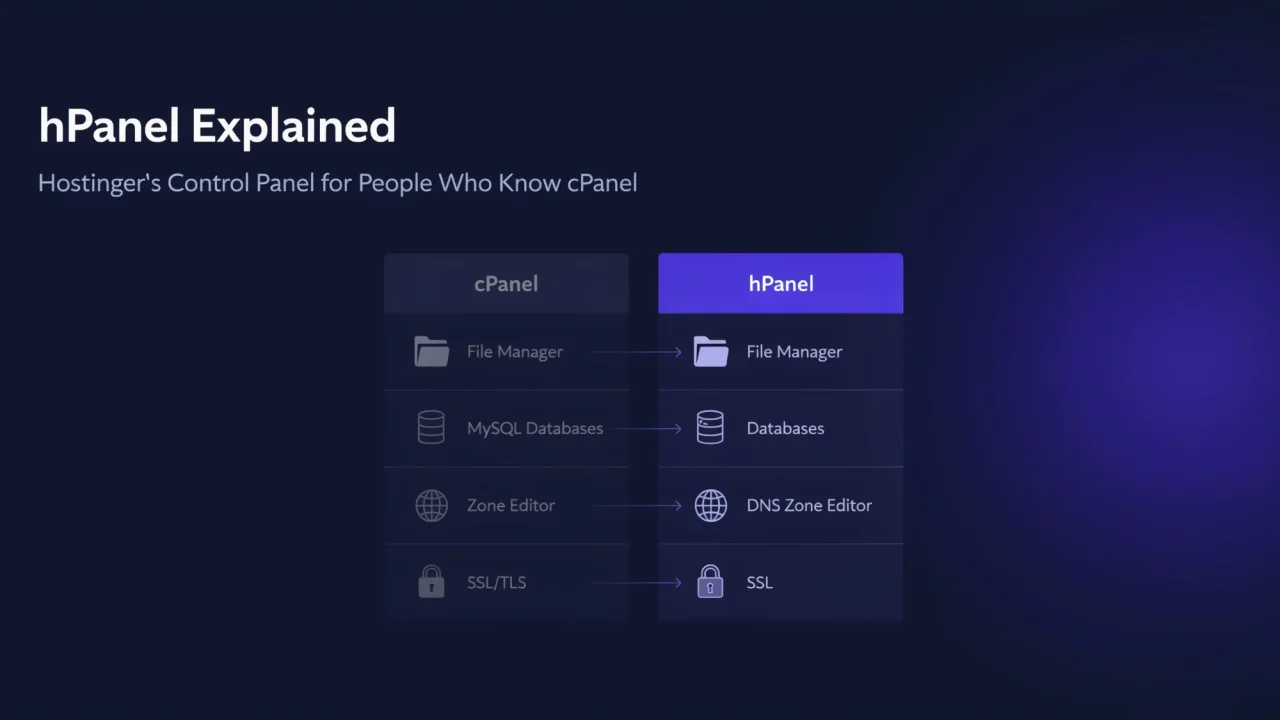
| Task | In cPanel | In hPanel |
|---|---|---|
| Databases | MySQL Databases | Databases → Management |
| File access | File Manager | File Manager, in the website dashboard |
| Email accounts | Email Accounts | Emails → Mailboxes, per domain |
| DNS records | Zone Editor | Advanced → DNS Zone Editor |
| SSL | SSL/TLS | Security → SSL |
| Scheduled jobs | Cron Jobs | Cron Jobs, in the website dashboard |
The mapping is close to one-to-one. Nothing fundamental is absent; it is grouped differently and named more plainly. Expect an afternoon of disorientation, not a week.
What genuinely changes
Migration is where the difference shows. A large part of the hosting ecosystem assumes cPanel-format backups — automated migration services, some plugins, and the informal "just upload your cPanel backup" advice that hosts give each other's customers.
Moving in, Hostinger’s free migration service does the work: you give it your cPanel login details or upload a site archive and database file. It does not carry over cron jobs, DNS records, custom SSL or FTP accounts, so recreate those yourself. Moving out means exporting your files and database and restoring them at the next host.
The second change is that your accumulated knowledge stops transferring. cPanel expertise is portable across most of the market. hPanel expertise is worth exactly one host.
Does it matter?
For one site, barely. You will configure it once and rarely return.
For an agency running client sites across several hosts, it matters more than it looks. Every panel is a separate set of habits, and the cost is paid on every support request, not once at setup.
This is the same calculation DreamHost's custom panel forces, covered in our DreamHost review, and it resolves the same way: fine for one site, friction at scale.
Bottom line
hPanel is a competent panel that trades ecosystem compatibility for a lower price and a gentler first hour. If you are new, you will probably prefer it. If you have cPanel habits, budget an afternoon and check the migration path before you commit — see our Hostinger review for the rest of the picture.
Hosting prices change often and vary by term length and region. Figures are deliberately omitted here; check current pricing, and the renewal rate specifically, before buying.